Prepare evidence
Agent1 organizes facts, sources, gaps, and quality flags before drafting begins.
Prospectus drafting workspace
Organize issuer material, draft in prospectus order, review gaps, and export a controlled Word working draft.
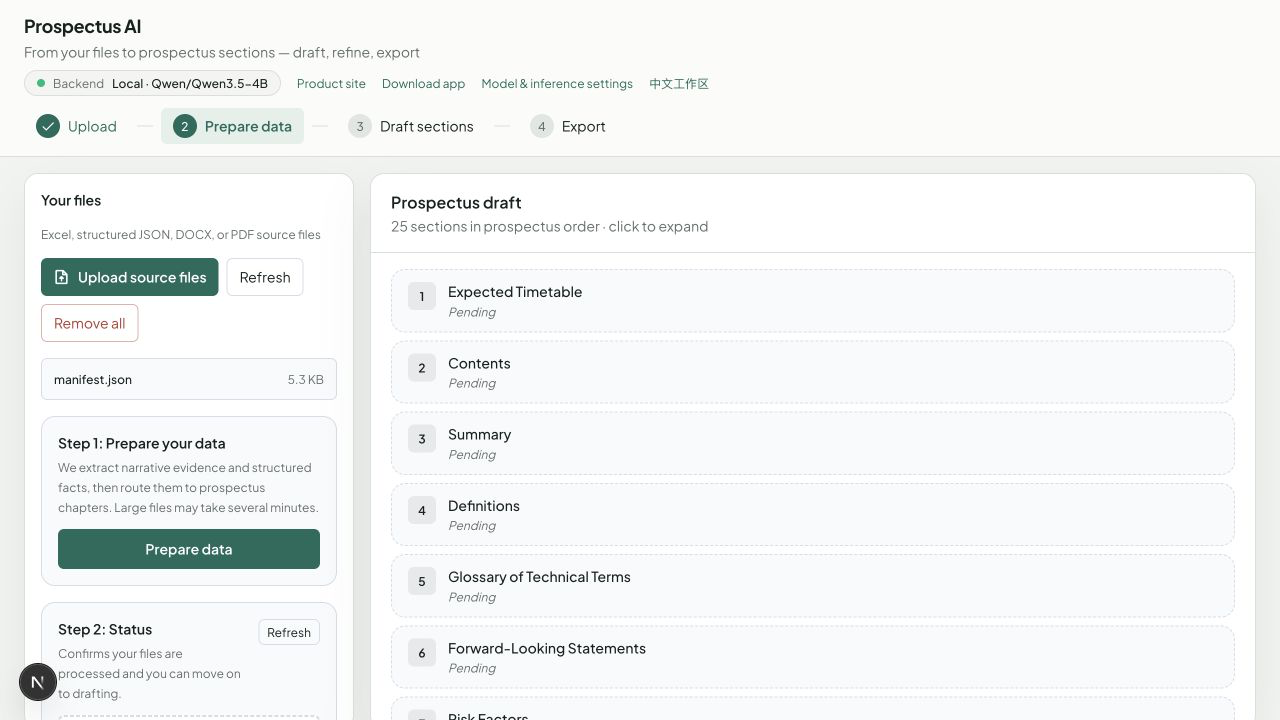
The product separates source preparation, section generation, professional review, and delivery. Teams always know what is saved and what still needs judgment.
Agent1 organizes facts, sources, gaps, and quality flags before drafting begins.
Agent2 works in prospectus order and reports the active generation phase.
Expand completed sections, inspect thin drafts, and regenerate with instructions.
Create a Word working draft after the relevant sections are ready.
The workspace produces review material from supplied evidence. It does not decide listing eligibility or issue a regulatory conclusion.
Complete, running, missing, and review-required states stay explicit.
Source coverage and missing information remain close to the draft.
Use the web workspace or a packaged private desktop application.